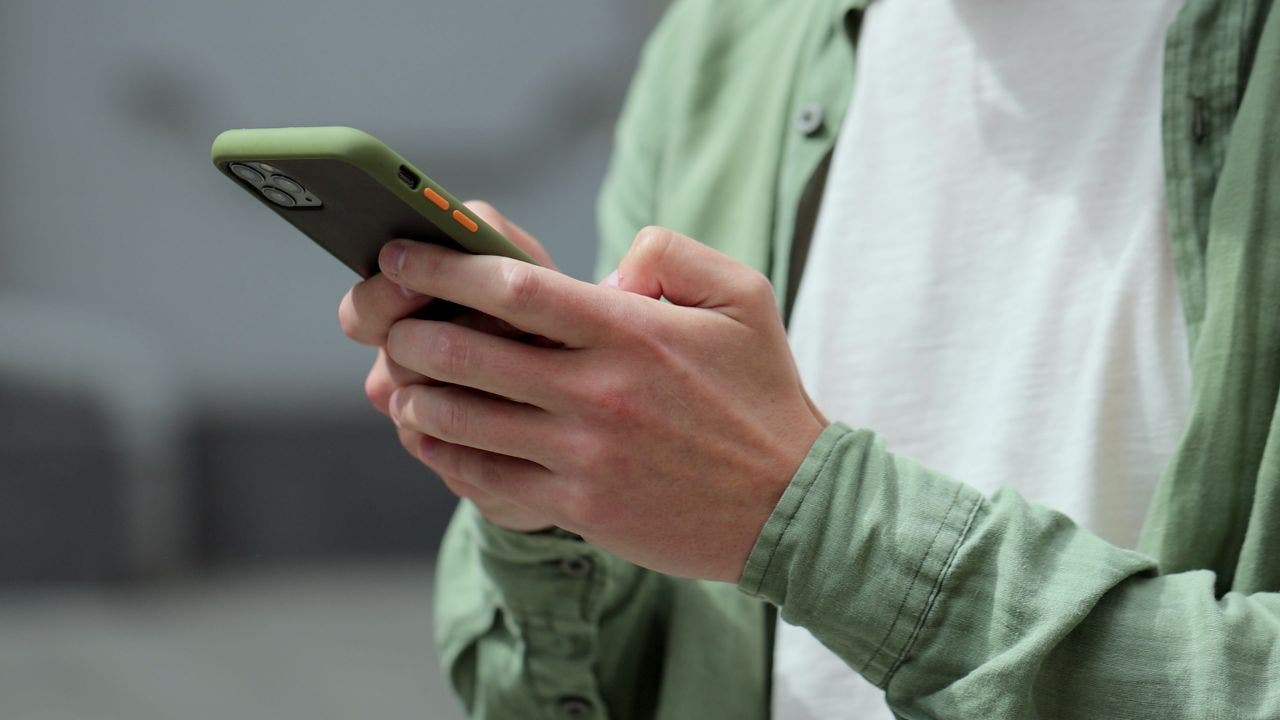
Apple is putting one of its most serious security warnings somewhere you are far less likely to miss it: right on your iPhone Lock Screen.
asserted
you → put → Screen
Apple confirmed directly to CyberGuy that it sent a new wave of threat notifications last week, saying, "We can confirm threat notifications were sent on August 13 to targeted users in 110 countries, and to date we have notified users in over 150 countries in total."
asserted
we → confirm → total
If one of these alerts suddenly appears on your iPhone, do not swipe it away and assume it is another routine security notice.
asserted
it → appear → it
Apple considers these high-confidence alerts that someone has specifically targeted you with unusually sophisticated spyware.
asserted
someone → consider → spyware
Here's what the warning means, how to verify it's real and what to do next if Apple says you were targeted.
asserted
you → mean → what
Kurt "CyberGuy" Knutsson will explain how to set up bank alerts, strengthen your account logins, protect your phone number, freeze your credit and help secure your retirement savings against unauthorized transfers.
asserted
Knutsson → explain → transfers
No technical experience is needed.
asserted
experience → need → ?
You’ll also receive our financial protection checklist, and every registrant will get a link to the class recording afterward.
asserted
registrant → receive → recording
What Apple's new spyware warning looks like
Apple says it updated its threat notifications with a new user experience designed to make important information and recommended security steps easier for recipients to access.
asserted
recipients → look → experience
A threat notification can now appear directly on the iPhone Lock Screen and in Settings.
asserted
notification → appear → Settings
Apple also sends an email to addresses associated with your Apple Account.
asserted
Apple → send → Account
In addition, a warning appears after you sign in at Apple's account website.
asserted
you → appear → website
The Lock Screen message warns: "Apple detected a mercenary spyware attack targeted at your iPhone.
asserted
Apple → warn → iPhone
There are actions you can take now to protect your data and device."
asserted
you → be → data
Apple says mercenary spyware attacks are far more sophisticated than the malware and scams most of us encounter.
asserted
most → say → us
Attackers can spend extraordinary amounts of money targeting a very small number of people.
asserted
Attackers → spend → people
The good news is that receiving a warning does not automatically mean the spyware successfully broke into your device.
asserted
spyware → receive → device
It means Apple detected activity indicating that you were individually targeted.
asserted
you → mean → activity
Still, this isn’t an alert I would ignore.
asserted
I → ignore → ?
Who is being targeted with mercenary spyware?
asserted
Who → target → spyware
Most iPhone owners will probably never encounter one of these warnings.
asserted
owners → encounter → warnings
Apple says these attacks have historically targeted people because of who they are or what they do.
asserted
they → say → what
Past targets have included journalists, activists, politicians and diplomats.
asserted
targets → include → journalists
The attacks have also been linked through public research and reporting to state actors and private companies that develop surveillance tools on their behalf.
asserted
that → link → behalf
Apple does not identify a specific attacker or country when it sends a notification.
asserted
it → identify → notification
The company says revealing too much about how it detects these campaigns could help spyware operators change their methods.
uncertain
operators → say → methods
How to tell whether an Apple spyware warning is real
This part is especially important because you can bet scammers will try to copy these warnings.
asserted
scammers → tell → warnings
A fake alert could claim your iPhone was hacked and then send you to a phony Apple login page.
uncertain
iPhone → claim → page
The crook's real goal may be stealing your Apple Account credentials.
uncertain
goal → steal → credentials
Apple says its genuine threat notifications will never ask you to click a link, open a file, install an app or profile, or give someone your Apple Account password or verification code by email or phone.
asserted
notifications → say → email
If Apple really sent you a threat notification, the warning should appear at the top of your Apple Account page.
asserted
warning → send → page
What to do if Apple says spyware targeted your iPhone
If you receive a genuine warning, I would treat your phone as a potential security incident until you know more.
asserted
you → say → more
Here are the steps I recommend.
asserted
I → recommend → ?
Apple’s updated spyware alerts warn targeted iPhone users on the Lock Screen and recommend immediate security steps, including turning on Lockdown Mode.
1) Update your iPhone immediately
Go to Settings > General > Software Update and install the latest available version of iOS.
asserted
alerts → update → iOS
Security updates frequently close vulnerabilities that sophisticated attackers may try to exploit.
uncertain
attackers → close → that
Apple reinforced that recommendation in its statement to CyberGuy, saying, "Turning on Lockdown Mode and keeping devices updated with the latest software are critical defenses for protecting against mercenary spyware attacks."
asserted
Turning → reinforce → attacks
2) Turn on Lockdown Mode
Apple specifically recommends Lockdown Mode for people who receive a mercenary spyware warning.
asserted
who → turn → warning
Apple says its updated notification experience is designed to make it easier for recipients to access recommended protective steps, including enabling Lockdown Mode.
asserted
recipients → say → Mode
On an iPhone or iPad:
- Open Settings
- Tap Privacy & Security
- Scroll down and tap Lockdown Mode
- Tap Turn On Lockdown Mode
- Choose Turn On & Restart, then enter your passcode
Lockdown Mode deliberately restricts certain apps, websites and connections to reduce the number of ways highly sophisticated spyware can attack your device.
asserted
spyware → open → device
An Apple spokesperson said in March 2026 that the company was not aware of any successful mercenary spyware attack against an Apple device while Lockdown Mode was enabled.
asserted
Mode → say → device
…and 49 more, not listed.
 The Aporia